 We’ve secured funding to power Signal-to-Revenue AI to GTM teams globally. →
Enterprise GTM has an action gap. If you are a CMO, this scene is familiar. A target account clicks ...
Subscribe Now
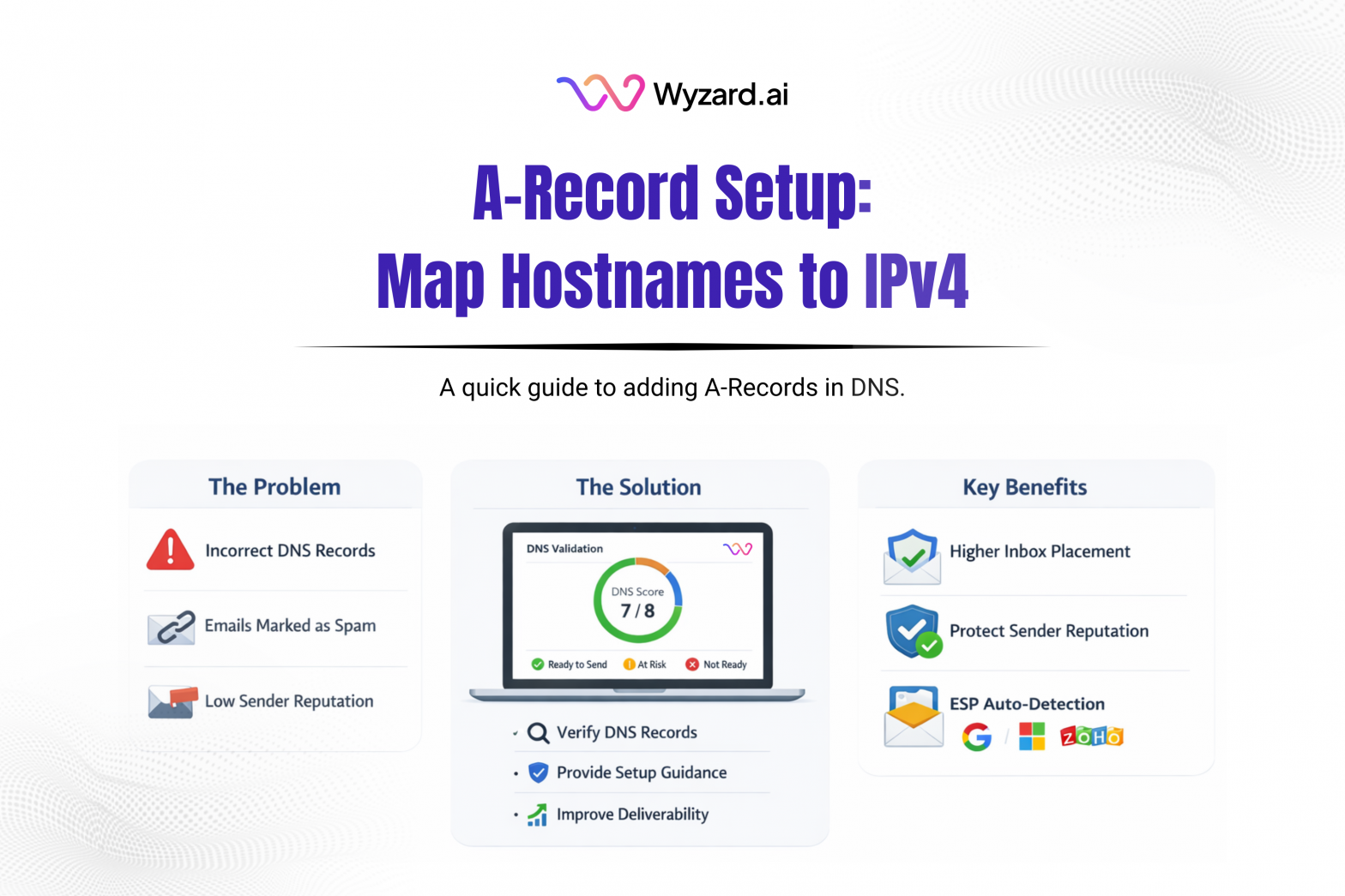
An A-Record (Address record) is a core DNS record type. It maps a hostname to an IPv4 address, helping browsers and services find the server behind a domain. If an A-Record is missing or wrong, your domain can point to the wrong place or fail to load.
What An A-Record Does
When someone enters www.yourdomain.com in a browser, the browser needs an IP address to connect to. DNS returns that IP using an A-Record.
An A-Record connects:
- Hostname like www or app
to - IPv4 address like 1.2.3.4
Example: create an A-Record with hostname www pointing to your web server’s public IP (example 1.2.3.4). A user’s device queries DNS, gets the IP back, then connects to the server on port 80 (HTTP) or 443 (HTTPS) to load the site.
Why A-Records Matter
A-Records act as the destination pointer for your domain. They make sure people reach the right server when they visit your site.
They can support:
- Failover: publish multiple A-Records for the same hostname so traffic can resolve to more than one IP.
- Shared destinations: point multiple hostnames to the same IP with separate A-Records.
A-Record Vs CNAME (Quick Difference)
An A-Record points a name directly to an IP address. A CNAME points one hostname to another hostname (an alias) rather than an IP.
Use an A-Record when you need example.com or www.example.com to resolve to a server IP. Use a CNAME when you want blog.example.com to alias another hostname managed elsewhere.
How To Set An A-Record
- Get your IPv4 address from your hosting provider, cloud instance, or platform.
- Open your DNS provider (Cloudflare, GoDaddy, Namecheap, Route 53).
- Create an A-Record
- Name/Host: @ for the root domain, or www for a subdomain
- Value/Points to: your IPv4 address
- TTL: default settings work for most cases
- Save and verify with a DNS lookup to confirm the hostname resolves to the expected IP.
Where Wyzard Fits In
DNS hygiene affects more than websites. A messy domain setup can create downstream issues across routing and trust signals. Wyzard.ai helps teams validate DNS foundations as part of sender readiness, so outreach and follow-ups don’t get held back by preventable configuration problems. Learn more at Wyzard.ai.
Other blogs
The latest industry news, interviews, technologies, and resources.
March 26, 2026
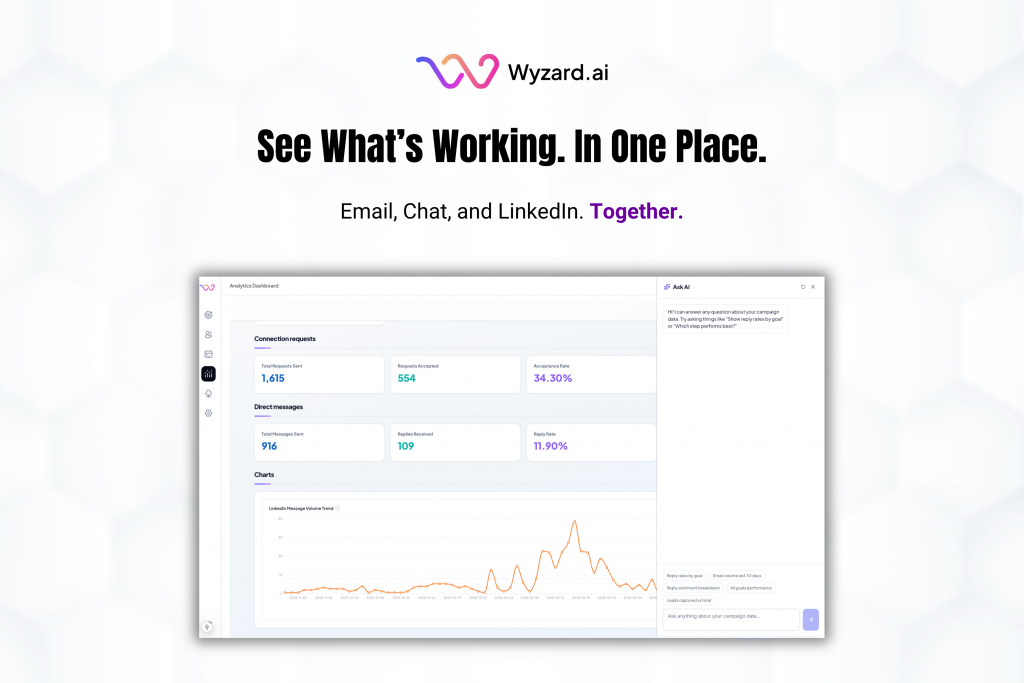
AI Analytics: One Dashboard for Email, Chat, and LinkedIn Performance
Analytics should help you decide what to do next. Too often, it turns into busywork. Teams hop across tools, ...


March 25, 2026
Wyzard × WhatsApp: Convert Warm Leads in the Channel They Answer
Lead leakage rarely comes from a lack of demand. It shows up after intent, when a prospect is ready ...
