What Is An A-Record And How It Works In DNS
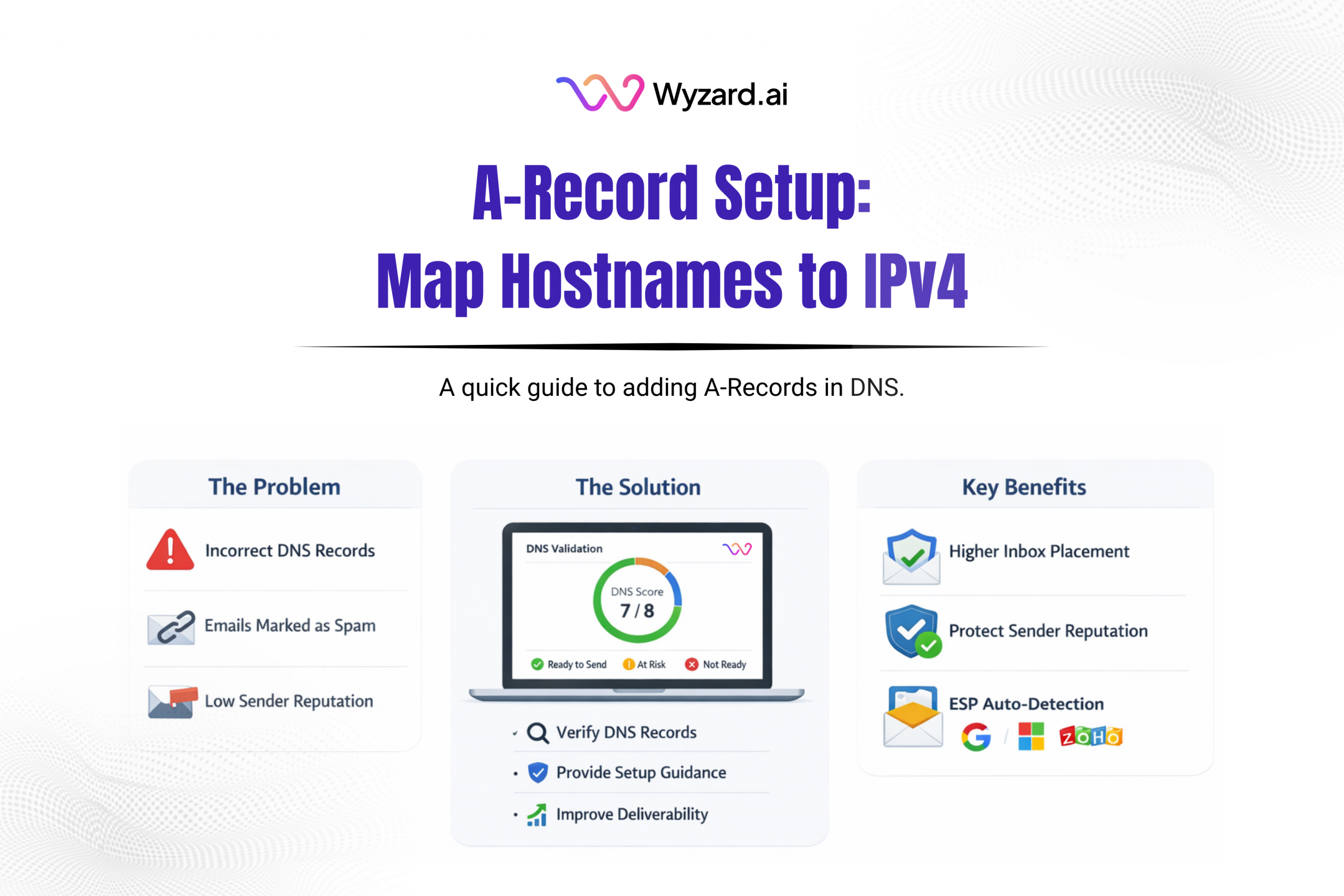
An A-Record (Address record) is a core DNS record type. It maps a hostname to an IPv4 address, helping browsers and services find the server behind a domain. If an A-Record is missing or wrong, your domain can point to the wrong place or fail to load.
What An A-Record Does
When someone enters www.yourdomain.com in a browser, the browser needs an IP address to connect to. DNS returns that IP using an A-Record.
An A-Record connects:
- Hostname like www or app
to - IPv4 address like 1.2.3.4
Example: create an A-Record with hostname www pointing to your web server’s public IP (example 1.2.3.4). A user’s device queries DNS, gets the IP back, then connects to the server on port 80 (HTTP) or 443 (HTTPS) to load the site.
Why A-Records Matter
A-Records act as the destination pointer for your domain. They make sure people reach the right server when they visit your site.
They can support:
- Failover: publish multiple A-Records for the same hostname so traffic can resolve to more than one IP.
- Shared destinations: point multiple hostnames to the same IP with separate A-Records.
A-Record Vs CNAME (Quick Difference)
An A-Record points a name directly to an IP address. A CNAME points one hostname to another hostname (an alias) rather than an IP.
Use an A-Record when you need example.com or www.example.com to resolve to a server IP. Use a CNAME when you want blog.example.com to alias another hostname managed elsewhere.
How To Set An A-Record
- Get your IPv4 address from your hosting provider, cloud instance, or platform.
- Open your DNS provider (Cloudflare, GoDaddy, Namecheap, Route 53).
- Create an A-Record
- Name/Host: @ for the root domain, or www for a subdomain
- Value/Points to: your IPv4 address
- TTL: default settings work for most cases
- Save and verify with a DNS lookup to confirm the hostname resolves to the expected IP.
Where Wyzard Fits In
DNS hygiene affects more than websites. A messy domain setup can create downstream issues across routing and trust signals. Wyzard.ai helps teams validate DNS foundations as part of sender readiness, so outreach and follow-ups don’t get held back by preventable configuration problems. Learn more at Wyzard.ai.