 We’ve secured funding to power Signal-to-Revenue AI to GTM teams globally. →
Enterprise GTM has an action gap. If you are a CMO, this scene is familiar. A target account clicks ...
Subscribe Now
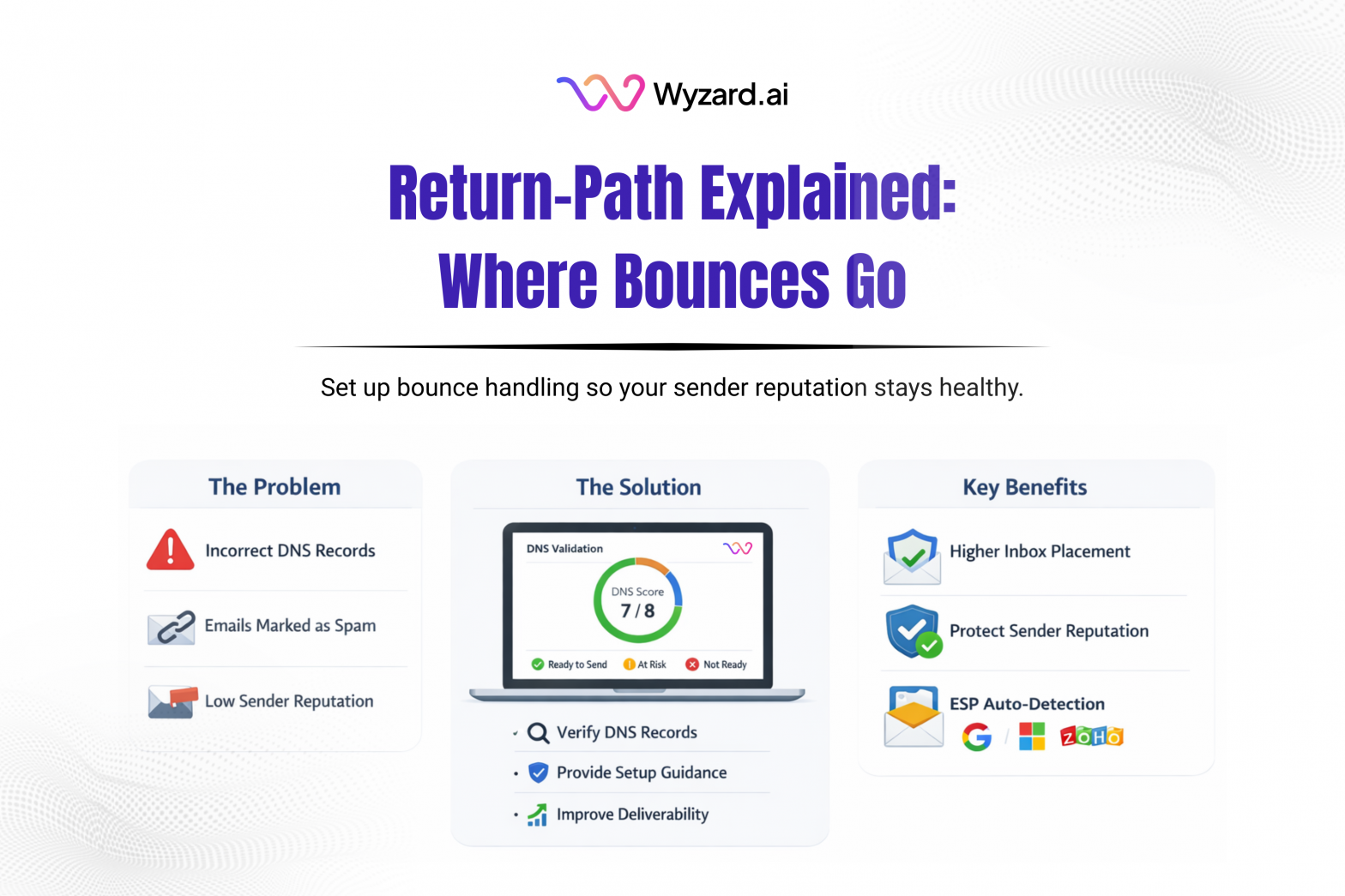
Return-Path is an email header (and domain) that tells mail servers where bounce messages should go when an email can’t be delivered. Think of it as the behind-the-scenes return address used for delivery errors and bounce processing.
You might see Return-Path referenced as the envelope-from address or MAIL FROM address. This is different from the friendly “From” address a recipient sees in their inbox. Return-Path is used mainly for server-to-server handling, reporting, and reputation signals.
How Return-Path Works
- Your sending platform includes a Return-Path value when it sends an email.
- If delivery fails (invalid address, mailbox full, blocked domain, policy errors), the receiving server sends a non-delivery report to that Return-Path address.
- Your sender processes those bounces to spot bad addresses, suppress future sends to dead inboxes, and keep your list clean.
There’s a deliverability angle here too. If you use a custom Return-Path domain, receiving systems may evaluate SPF alignment against that Return-Path domain, which can affect DMARC alignment outcomes.
Why Return-Path Setup Matters
A clean Return-Path setup supports:
- Accurate bounce handling so hard bounces and soft bounces get treated differently
- Healthier deliverability signals since mailbox providers look for consistent bounce management
- Better reputation protection through faster suppression of invalid recipients
- Cleaner reporting on delivery failures, making issues easier to diagnose
Is Return-Path A DNS Record Like SPF Or DKIM?
Return-Path itself isn’t a standalone DNS record type. It’s a header value set by your mail system. The DNS work usually happens when you configure a custom bounce domain, which often requires records (commonly MX) provided by your email service provider.
How To Set Up Return-Path
Option 1: Use the provider default
Most email providers assign a default bounce domain (example: bounce.provider.com). This works out of the box, with no DNS edits, and is the fastest path to getting started.
Option 2: Use a custom Return-Path (custom bounce domain)
If your provider supports it, set a branded subdomain such as bounce.yourdomain.com. The usual pattern:
- Create the bounce subdomain
- Add the DNS records your provider supplies (often MX)
- Verify inside the provider, then run a deliverability test
What It Looks Like In Headers
A header example:
Return-Path: <bounce@bounce.yourdomain.com>
Where Wyzard Fits In
Return-Path issues can lead to wasted sends, noisy bounce rates, and reputation drag. Wyzard.ai helps teams validate sender readiness by checking DNS and deliverability signals early, so follow-ups land and bounce handling stays clean. Learn more about Wyzard.ai.
Other blogs
The latest industry news, interviews, technologies, and resources.
March 26, 2026
AI Analytics: One Dashboard for Email, Chat, and LinkedIn Performance
Analytics should help you decide what to do next. Too often, it turns into busywork. Teams hop across tools, ...


March 25, 2026
Wyzard × WhatsApp: Convert Warm Leads in the Channel They Answer
Lead leakage rarely comes from a lack of demand. It shows up after intent, when a prospect is ready ...
