 We’ve secured funding to power Signal-to-Revenue AI to GTM teams globally. →
Enterprise GTM has an action gap. If you are a CMO, this scene is familiar. A target account clicks ...
Subscribe Now
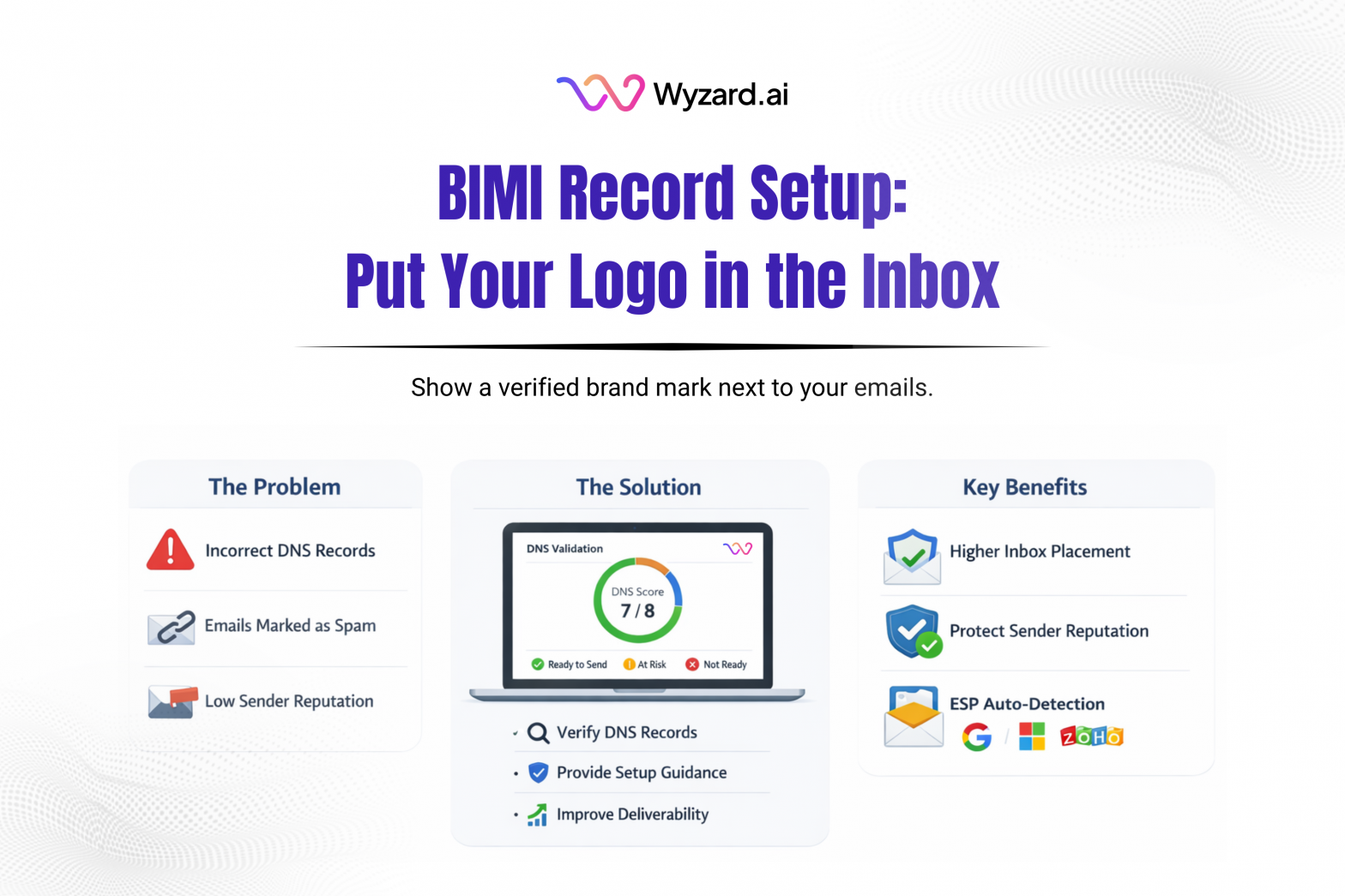
A BIMI record (Brand Indicators for Message Identification) is a DNS-based email standard that can display your brand logo next to your emails in inboxes that support BIMI. With the right setup, recipients see a verified logo in the inbox list view, which can strengthen brand recognition and trust.
What BIMI Does
BIMI is a branding and trust signal. It doesn’t change authentication by itself. It relies on your existing authentication setup, including:
- SPF
- DKIM
- DMARC
BIMI won’t work without DMARC enforcement, meaning DMARC must be set to quarantine or reject, not p=none.
How BIMI Works
- You send an email from your domain.
- The receiving system checks SPF and DKIM results.
- The receiving system confirms DMARC is enforced (quarantine or reject).
- The receiver looks up your BIMI DNS record.
- The BIMI record points to your logo (SVG), and sometimes a certificate.
- If checks pass, the logo can appear next to your message.
How To Set Up A BIMI Record
Step 1: Confirm prerequisites
Before publishing BIMI, confirm:
- SPF passes
- DKIM passes
- DMARC policy is quarantine or reject
Example DMARC value shown in the excerpt:
v=DMARC1; p=quarantine; rua=mailto:dmarc@yourdomain.com; ruf=mailto:dmarc@yourdomain.com; fo=1
Step 2: Prepare a BIMI-compliant logo
Your logo should:
- Use SVG Tiny PS
- Be square (1:1)
- Contain no scripts, animation, or external references
- Be hosted on HTTPS
Example URL:
https://yourdomain.com/bimi/logo.svg
Step 3: Get a Verified Mark Certificate (VMC)
A VMC is recommended, and some providers (including Gmail) may require it to show the logo. It links your verified brand identity to the logo. Without a VMC, logo display may be limited.
Step 4: Publish the BIMI TXT Record
BIMI is published at:
default._bimi.yourdomain.com
Example record with VMC:
v=BIMI1; l=https://yourdomain.com/bimi/logo.svg; a=https://yourdomain.com/bimi/vmc.pem
Example record without VMC:
v=BIMI1; l=https://yourdomain.com/bimi/logo.svg
Step 5: Validate and monitor
Validate DMARC and confirm the logo URL is reachable over HTTPS. Some inboxes cache results, so the logo may take time to appear.
Set Up Correctly With Wyzard.ai
BIMI depends on SPF, DKIM, and DMARC being set up correctly. Wyzard.ai helps teams validate sender readiness and catch authentication gaps early, so outbound and follow-ups run on a foundation inbox providers recognize and recipients trust. Learn more at Wyzard.ai.
Other blogs
The latest industry news, interviews, technologies, and resources.
March 26, 2026
AI Analytics: One Dashboard for Email, Chat, and LinkedIn Performance
Analytics should help you decide what to do next. Too often, it turns into busywork. Teams hop across tools, ...


March 25, 2026
Wyzard × WhatsApp: Convert Warm Leads in the Channel They Answer
Lead leakage rarely comes from a lack of demand. It shows up after intent, when a prospect is ready ...
