 We’ve secured funding to power Signal-to-Revenue AI to GTM teams globally. →
A CNAME Record (Canonical Name record) is a DNS record that maps one hostname (an alias) to another hostname ...
Subscribe Now
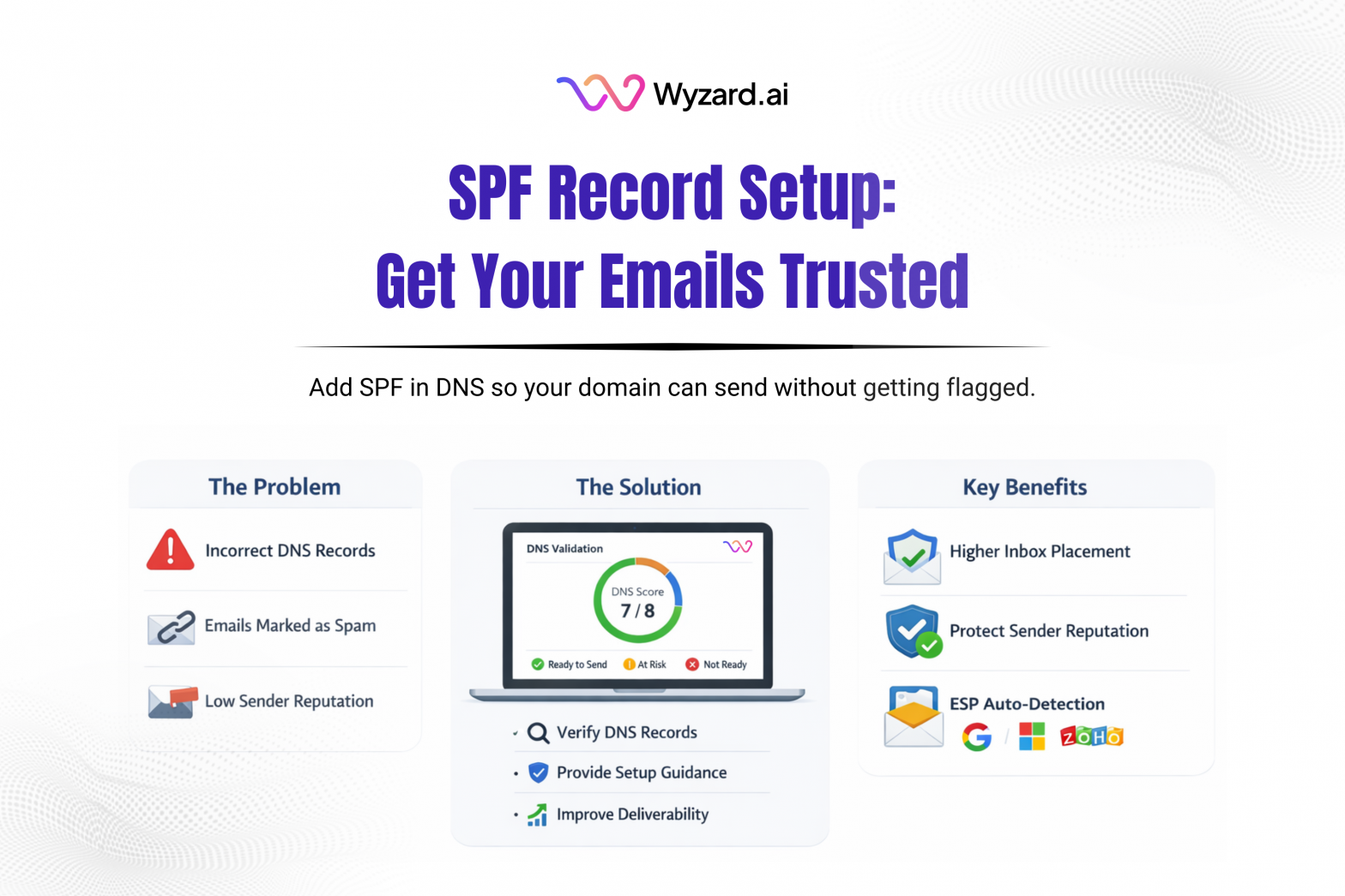
If outbound emails land in spam or disappear, start with your SPF Record. SPF is a DNS setting that tells mailbox providers which servers can send email for your domain. That signal helps protect your brand from spoofing and can lift inbox placement.
What Is An SPF Record?
SPF (Sender Policy Framework) is a TXT Record in DNS that lists approved senders for a domain. Receivers use it to check whether the server that sent a message is authorized to send mail that claims to come from your domain.
A missing or messy SPF Record can lead to two problems:
- Messages get flagged as suspicious, which hurts deliverability
- Attackers can impersonate your domain more easily
How SPF Works
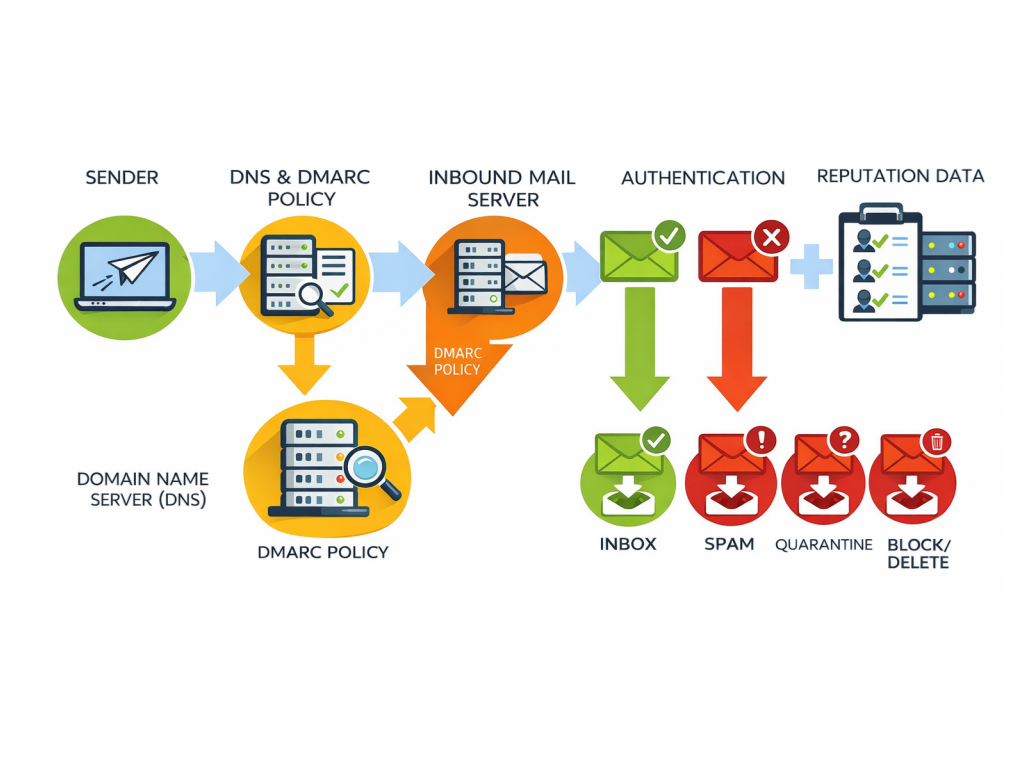
- You send an email using a mail server (Google Workspace, Microsoft 365, outreach tool, helpdesk platform, etc.).
- The recipient’s mail server looks up your domain’s SPF Record.
- The server compares the sending server’s IP (or authorized sources via “include” rules) to what your SPF Record allows.
- The recipient marks the SPF check as pass or fail, then filters the message based on its own rules (and any related policies like DMARC, if you’ve set it).
What An SPF Record Looks Like
Every SPF Record starts with:
- v=spf1
After that, you define allowed sources using mechanisms such as:
- ip4: / ip6: to allow a sending IP range
- a to allow hosts tied to your domain’s A record
- mx to allow servers listed in your MX records
- include: to allow senders authorized by another domain’s SPF Record
- redirect= to hand SPF evaluation to another domain
Most SPF Records end with an “all” directive that signals what to do with mail from non-approved sources:
- -all hard fail (strict)
- ~all soft fail (less strict)
Example patterns:
- v=spf1 a mx include:other-domain.com -all
- v=spf1 ip4:111.22.333.0/24 -all
How To Set Up SPF (Quick Steps)
Step 1: List every tool that sends as your domain
Email provider plus sales, marketing, support, or transactional platforms.
Step 2: Build one SPF Record for the root domain
Use include: values from each vendor’s SPF guidance, then add any IP ranges you control.
Step 3: Publish it in DNS
Create a TXT record on your root domain (often shown as @) and paste the SPF value.
Step 4: Recheck after DNS updates
Verify the record passes and that all sending tools are covered.
SPF Without Issue = Revenue Without Issue
SPF issues turn into revenue issues fast. If messages don’t reach buyers, follow-ups stall and high-intent leads cool off. Wyzard.ai helps teams spot sender readiness gaps early by validating key DNS authentication like SPF, so sequences go out with confidence. Learn more about Wyzard.ai.
Other blogs
The latest industry news, interviews, technologies, and resources.

What Is A BIMI Record And How To Set It Up
A BIMI record (Brand Indicators for Message Identification) is a DNS-based email standard that can display your brand logo ...


What Is A Return-Path Record And How To Set It Up
Return-Path is an email header (and domain) that tells mail servers where bounce messages should go when an email ...
