 We’ve secured funding to power Signal-to-Revenue AI to GTM teams globally. →
A CNAME Record (Canonical Name record) is a DNS record that maps one hostname (an alias) to another hostname ...
Subscribe Now
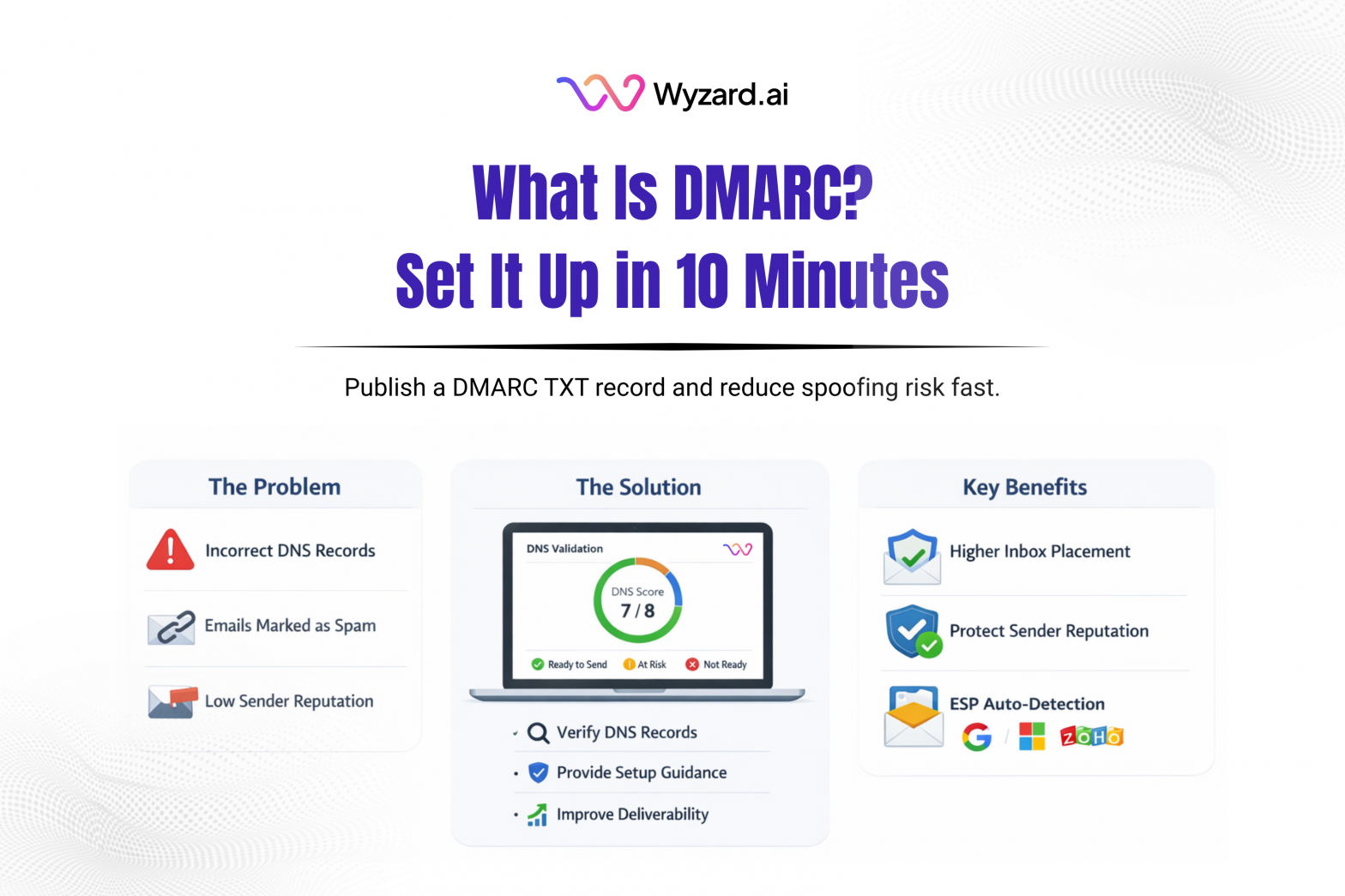
DMARC stands for Domain-based Message Authentication, Reporting, and Conformance. It’s a standard that helps protect your domain from spoofing and improves trust with mailbox providers. DMARC tells receiving servers what to do when a message claiming to be from your domain fails authentication checks.
What DMARC Checks
DMARC works with SPF and DKIM:
- SPF lists which sending servers can send mail for your domain.
- DKIM adds a cryptographic signature to messages so recipients can verify the message wasn’t altered in transit.
When a message arrives, the recipient evaluates SPF and DKIM, then applies your DMARC policy. If alignment or authentication fails, DMARC instructs the receiver how to handle that message.
DMARC Policies You Can Set
DMARC policies live inside your DNS record:
- p=none: Collect reports, take no enforcement action.
- p=quarantine: Route failing messages to spam or junk.
- p=reject: Block failing messages.
A common rollout is to start with p=none so you can watch what’s happening, then move to quarantine, then reject once legitimate sources are authenticated.
How To Set Up DMARC (Step-By-Step)
Step 1: Sign in to your DNS provider
Examples: Cloudflare, GoDaddy, Namecheap, Route 53.
Step 2: Create a new TXT record
- Name / Host: _dmarc
(Some providers ask for _dmarc.yourdomain.com.) - Type: TXT
Step 3: Add a starter DMARC value
Start simple:
- v=DMARC1; p=none
Step 4: Save and wait for DNS propagation
Propagation often takes minutes, sometimes longer.
Useful DMARC Tags
DMARC records can include extra tags beyond v and p:
- rua=: Where aggregate reports should be sent.
- pct=: Apply the policy to a percentage of mail during rollout.
- aspf= and adkim=: Alignment mode (r relaxed, s strict).
- sp=: Policy for subdomains.
A more complete example might look like this (use addresses and settings that fit your setup):
- v=DMARC1; p=quarantine; pct=50; rua=mailto:dmarc-reports@yourdomain.com; aspf=r; adkim=r
Where To Publish DMARC
Most teams publish DMARC on the root domain so coverage isn’t fragmented. Subdomain behavior can be controlled with sp= if needed.
IT Hygiene With A Revenue Lever
DMARC issues don’t stay “technical” for long. If outbound and follow-ups get flagged, pipeline slows. Wyzard.ai helps teams validate sender readiness by checking key DNS authentication and deliverability signals before sequences go live, so high-intent leads get the response they should. Learn more at Wyzard.ai.
Other blogs
The latest industry news, interviews, technologies, and resources.

What Is A BIMI Record And How To Set It Up
A BIMI record (Brand Indicators for Message Identification) is a DNS-based email standard that can display your brand logo ...


What Is A Return-Path Record And How To Set It Up
Return-Path is an email header (and domain) that tells mail servers where bounce messages should go when an email ...
