 We’ve secured funding to power Signal-to-Revenue AI to GTM teams globally. →
Enterprise GTM has an action gap. If you are a CMO, this scene is familiar. A target account clicks ...
Subscribe Now
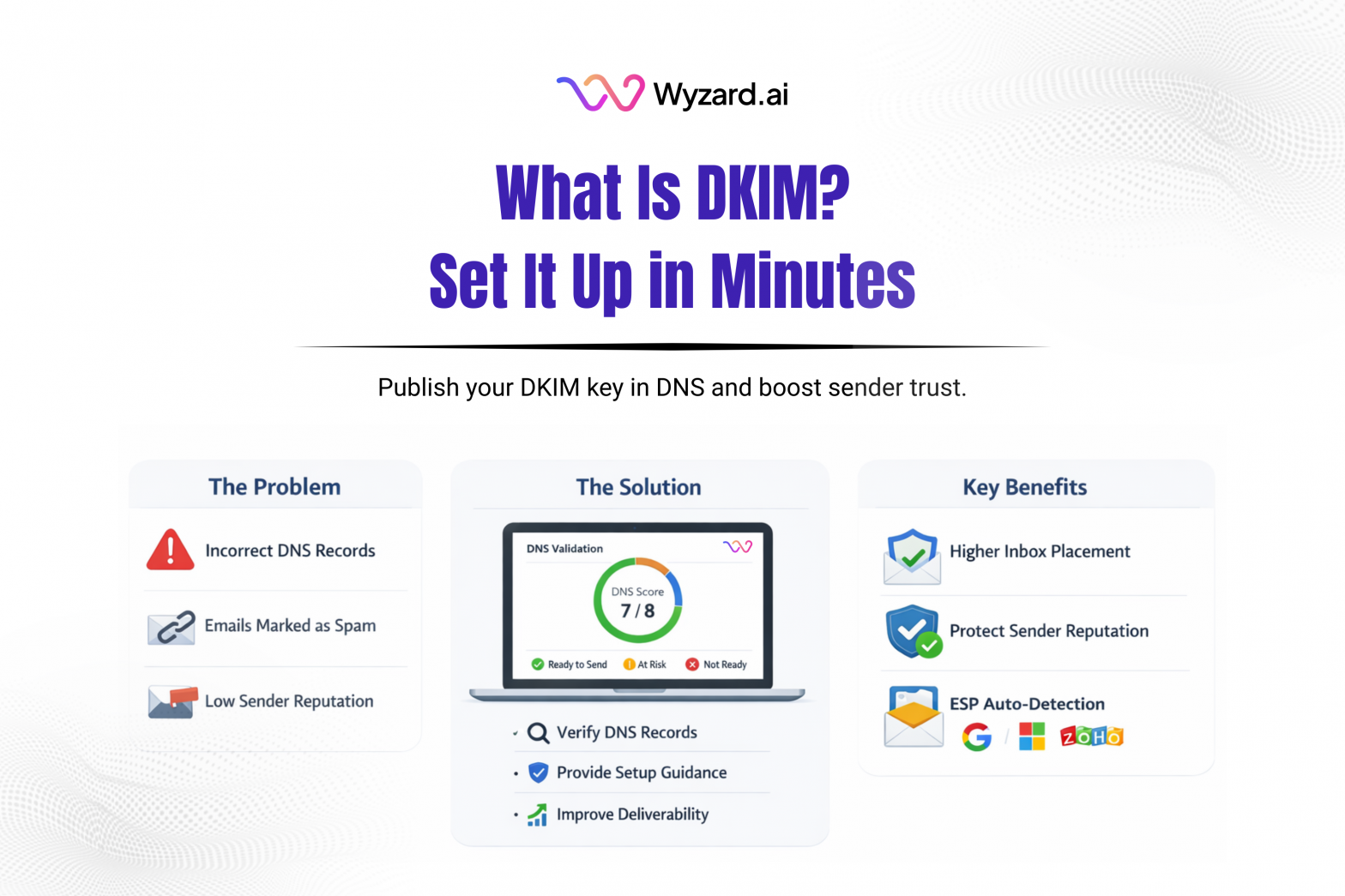
If you send outbound or lifecycle email from your company domain, DKIM is one of the fastest ways to build trust with inbox providers. DKIM (DomainKeys Identified Mail) authenticates your email by attaching a cryptographic signature that recipients can verify.
What DKIM Is
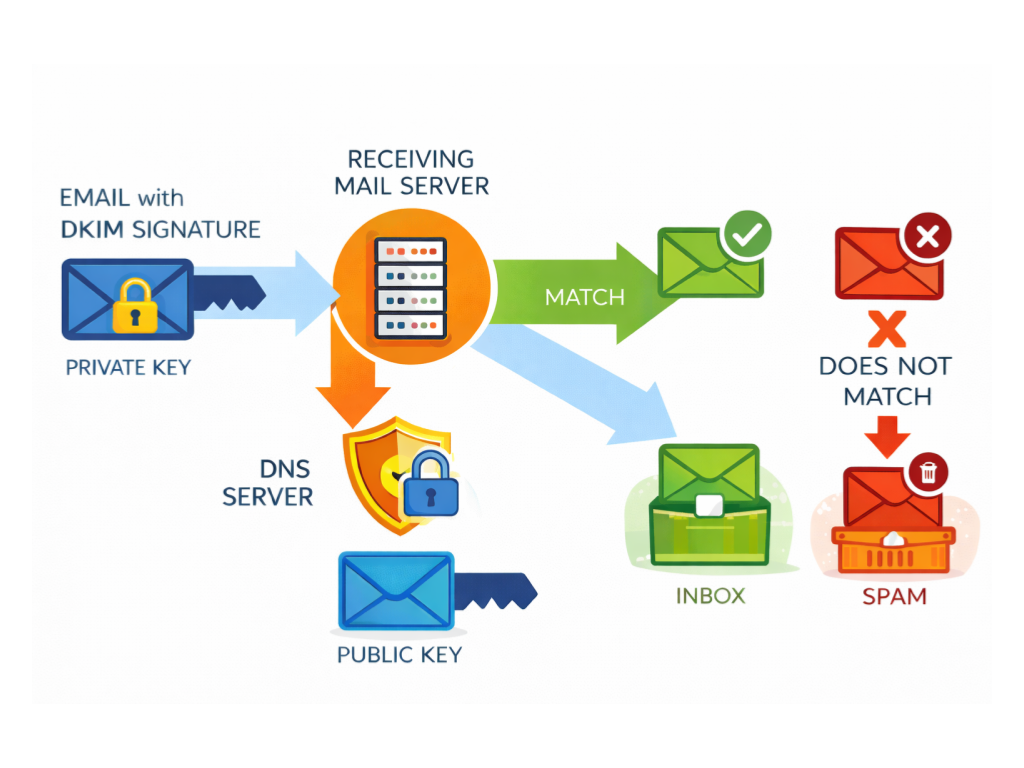
DKIM adds a digital signature to outgoing messages. Your sending system signs each message with a private key. Receiving mail servers look up your public key in DNS and use it to verify the signature. A valid signature signals that the message content stayed intact after it left your sender.
Two outcomes follow from that:
- Spoofing protection: fewer chances for bad actors to send mail that looks like it came from your domain.
- Deliverability support: authenticated mail tends to earn more trust over time, which can help inbox placement.
What A DKIM Record Looks Like
Your public key is published in DNS as a TXT Record under a selector. A DKIM Record often looks like this:
selector._domainkey TXT v=DKIM1; k=rsa; p=PUBLIC_KEY_VALUE
Quick breakdown:
- selector is the label your provider assigns (example: us, google, selector1).
- _domainkey is the DKIM namespace.
- v=DKIM1 declares DKIM.
- k=rsa states the key type.
- p= holds the base64 public key.
Your provider will generate the exact host name and value.
How DKIM Checks Work
- You send an email from your domain.
- Your mail system adds a DKIM signature header created with the private key.
- The recipient’s server finds your DKIM TXT record in DNS using the selector in the message header.
- The recipient validates the signature with the public key. A match passes authentication. A mismatch raises filtering risk.
How To Set Up DKIM (Step-By-Step)
- Open your email provider’s admin area (Google Workspace, Microsoft 365, or your ESP).
- Generate a DKIM key for the domain. Many providers offer a 2048-bit option. Pick that when available.
- Copy the DNS details your provider gives you: the selector/host and the TXT value.
- Add the TXT record in your DNS host (Cloudflare, GoDaddy, Route 53, Namecheap, etc.).
- Wait for DNS propagation. Some updates appear in minutes. Others take longer, up to 48 hours.
- Verify DKIM is passing by sending a test email to a deliverability checker or reviewing headers in a received message.
Common DKIM Problems
- Selector typos in the DNS host name
- TXT value pasted with missing characters or extra quotes
- DNS propagation delays
- Forwarding paths that modify message content, which can break signature validation
No Missed Conversations With Wyzard.ai
DKIM gaps show up as missed conversations. If follow-ups don’t land, pipeline slows and lead intent fades. Wyzard.ai helps teams validate sender readiness by checking DNS authentication signals like DKIM and surfacing setup issues early, so sequences run with confidence. Learn more at Wyzard.ai.
Other blogs
The latest industry news, interviews, technologies, and resources.

March 26, 2026
AI Analytics: One Dashboard for Email, Chat, and LinkedIn Performance
Analytics should help you decide what to do next. Too often, it turns into busywork. Teams hop across tools, ...

March 25, 2026
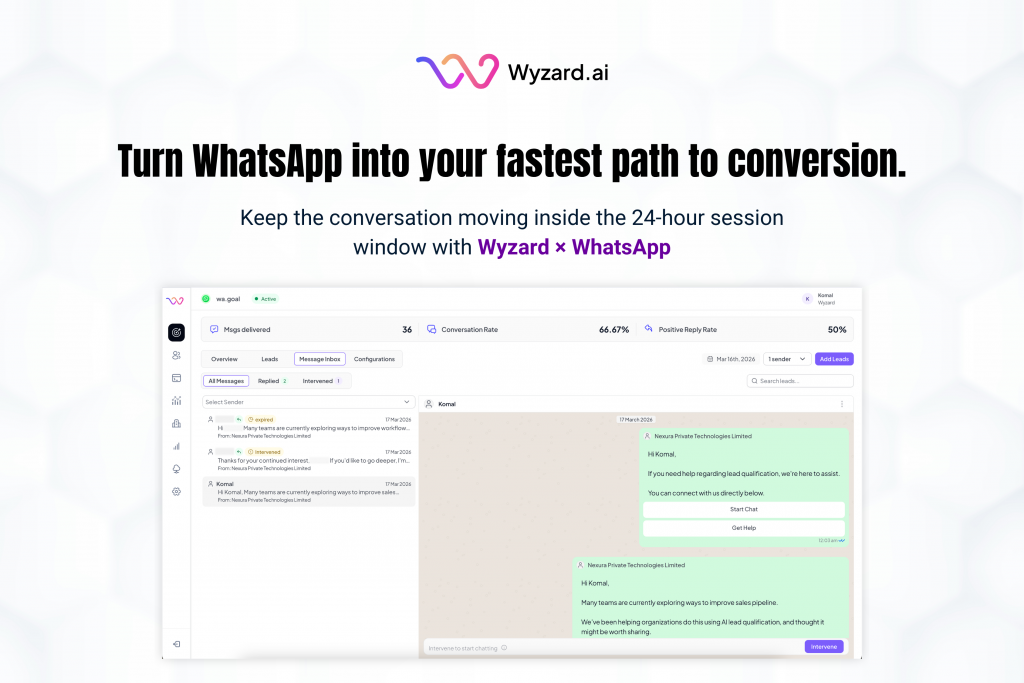
Wyzard × WhatsApp: Convert Warm Leads in the Channel They Answer
Lead leakage rarely comes from a lack of demand. It shows up after intent, when a prospect is ready ...
