 We’ve secured funding to power Signal-to-Revenue AI to GTM teams globally. →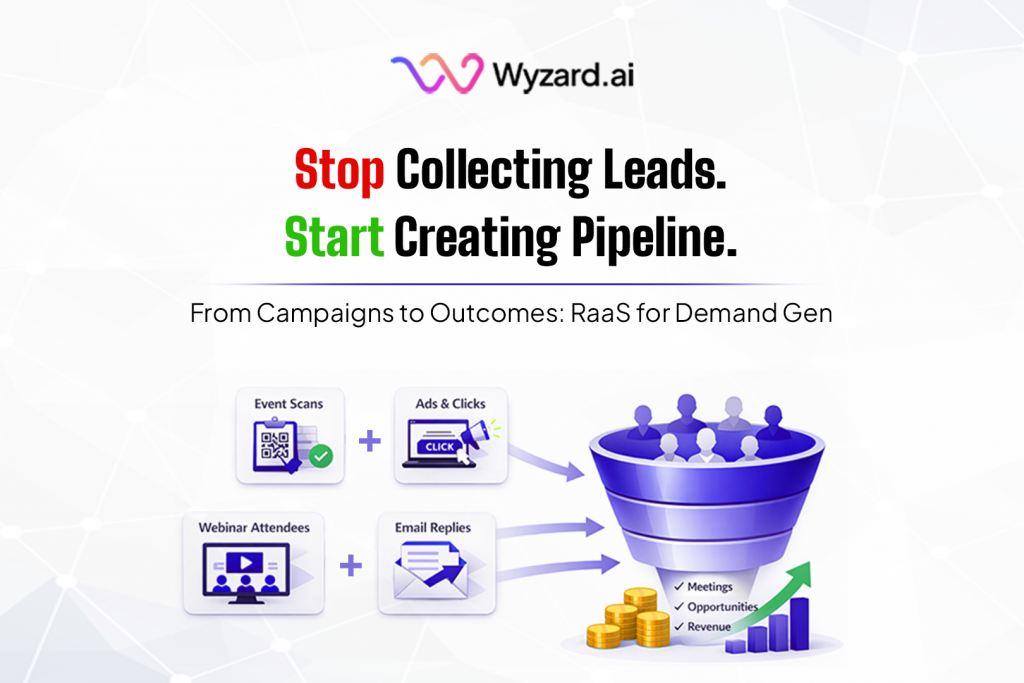
A familiar CMO problem: the quarter looks busy, yet pipeline feels late. You sponsored the event. Ran the LinkedIn ...

Subscribe Now
Preparing for Installation
Login to your JumpCloud admin console
Prerequisites required for JumpCloud integration
- API Key
How to get your API Key?
Follow these step-by-step instructions to acquire your API Key
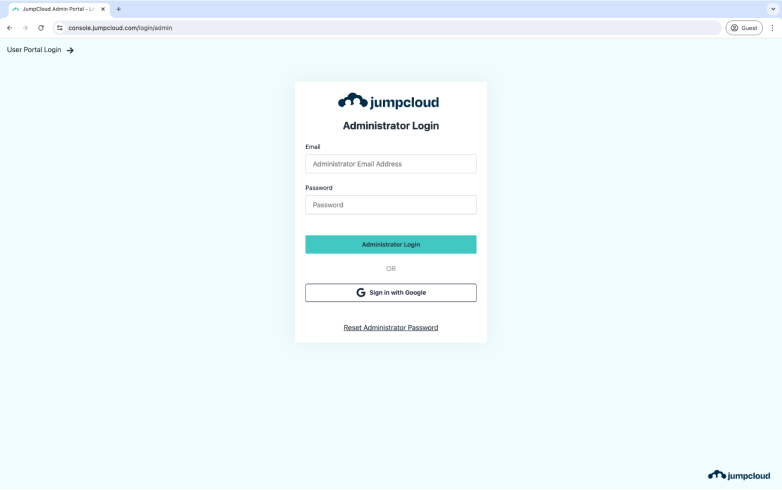
Step 1: Login to JumpCloud
Go to https://console.jumpcloud.com/login/ and sign in with your admin credentials.
Step 2: Click on your “Profile Icon”
On top right corner , you will see your Profile Icon. You need to click on it.
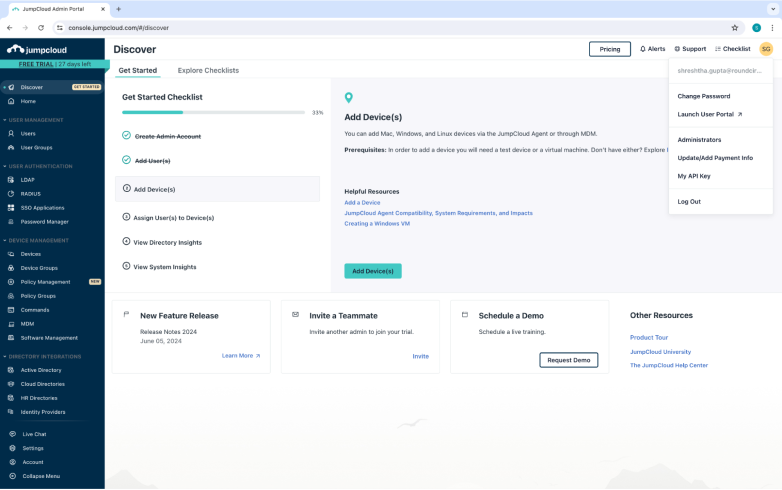
Step 3: Find “API” in the drop down
From the drop down list, select My API Key.
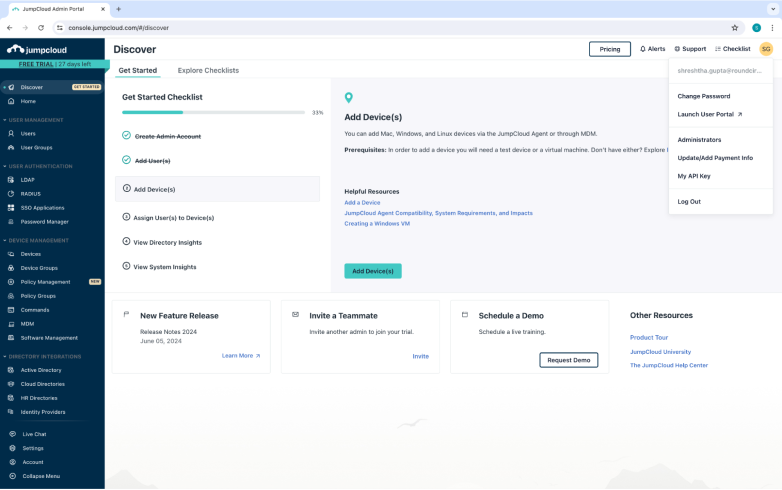
Upon clicking on My API Key, the following pop up will open. Click on “Generate New API Key”
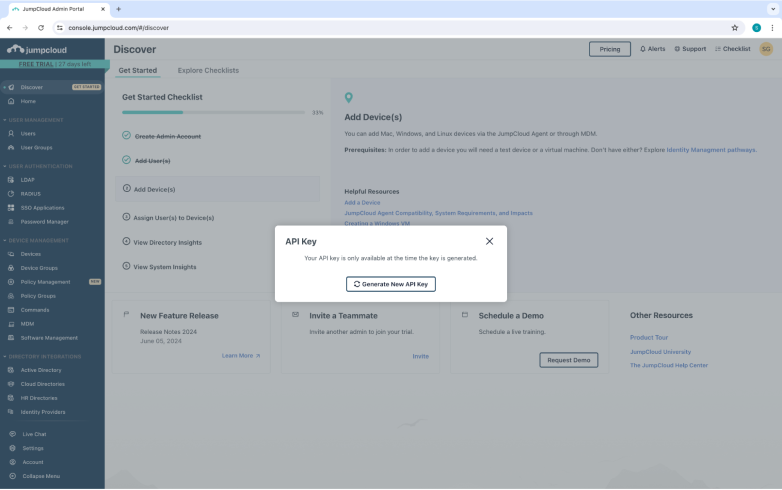
Step 4: COPY API Key
This will only appear to you once, so please make sure you copy the API Key showcased to you. You can click on the copy icon next to it to copy the key.
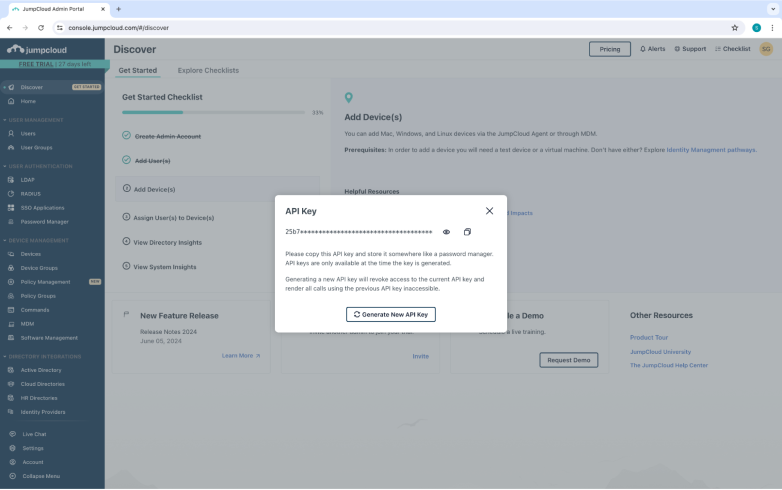
You have got your API Key.
Thats all the information you need for Logging in with JumpCloud. All the best.
Other blogs
The latest industry news, interviews, technologies, and resources.
January 27, 2026
Find Phone Number by Name and Call Your Leads: Methods and Tools in 2026
You've spent hours tracking down contact numbers for your target accounts. LinkedIn profiles checked. Company directories scraped. Data enrichment ...


January 21, 2026
Results as a Service (RaaS) Pricing Models for GTM: Per Meeting, Per Opportunity, or Value Share?
Your CEO asks the question every CMO knows is coming: “We invested in demand. What did we actually buy?...
