 We’ve secured funding to power Signal-to-Revenue AI to GTM teams globally. →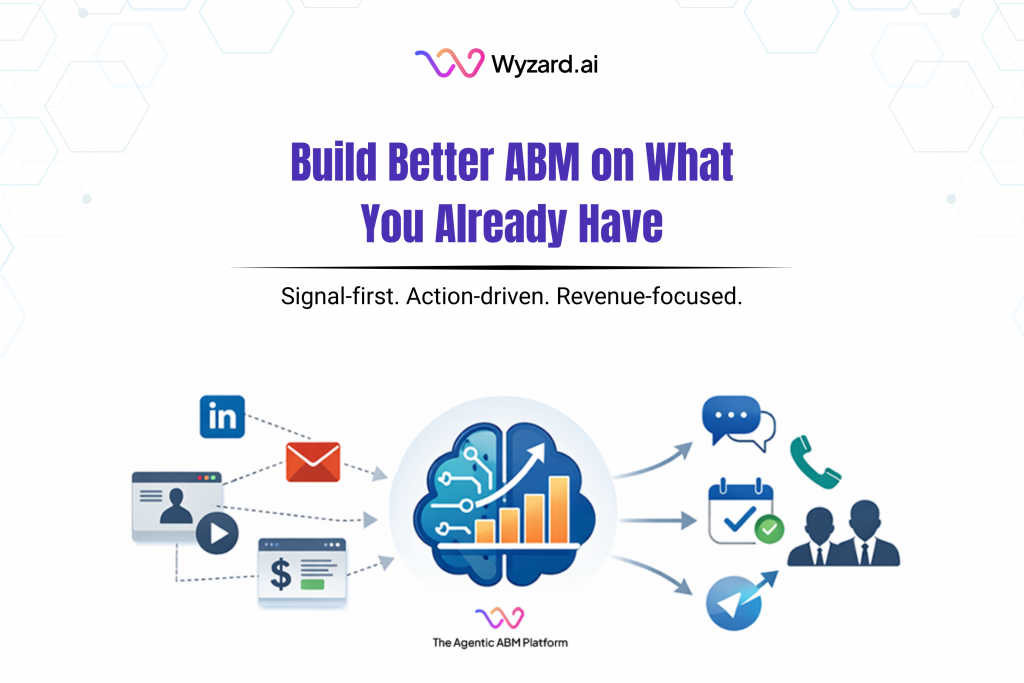
If you are a CMO, this situation feels familiar. Your team has a CRM, marketing automation, paid campaigns, webinars, ...

Subscribe Now
Prerequisites
- An Azure account with a subscription.
- A DNS zone created for your domain.
Steps to Add Records

Log in to Azure Portal
- Visit https://portal.azure.com/.
Navigate to DNS Zones
- Search for “DNS Zones” in the top search bar and select your domain’s DNS zone (e.g., example.com).

Add Record Set:
- Click “+ Record set”.
Adding a TXT Record
- Name: Enter the subdomain (e.g., sub) or leave blank for the root domain.
- Type: Select TXT.
- TTL: Set to 3600 seconds (or customize).
- Value: Enter the text value (e.g., v=spf1 include:_spf.google.com ~all — no quotes needed here).
- Click “OK”.

Adding an MX Record
- Name: Leave blank for the root or enter a subdomain (e.g., mail).
- Type: Select MX.
- TTL: Set to 3600 seconds.
- Preference: Enter the priority (e.g., 10).
- Mail Exchange: Enter the server (e.g., mail.example.com.).

Adding a CNAME Record
- Name: Enter the subdomain (e.g., www).
- Type: Select CNAME.
- TTL: Set to 3600 seconds.
- Alias: Enter the target domain (e.g., example.com. or anotherdomain.com.).
- Click “OK”.

Reference
Video: How to Add DNS Records in Azure?
Docs: Link
Notes
- Propagation Time: DNS changes may take anywhere from a few minutes to 48 hours to propagate across the internet, depending on TTL settings and DNS provider.
- Verification: Use tools like dig (e.g., dig example.com TXT) or nslookup to verify records after adding them.
- Trailing Dots: AWS and GCP often require trailing dots for FQDNs (e.g., example.com.), while Azure and GoDaddy typically do not.
This guide ensures you can configure DNS records efficiently. For specific use cases (e.g., email setup, domain verification), refer to the service provider’s documentation.
Other blogs
The latest industry news, interviews, technologies, and resources.
March 30, 2026
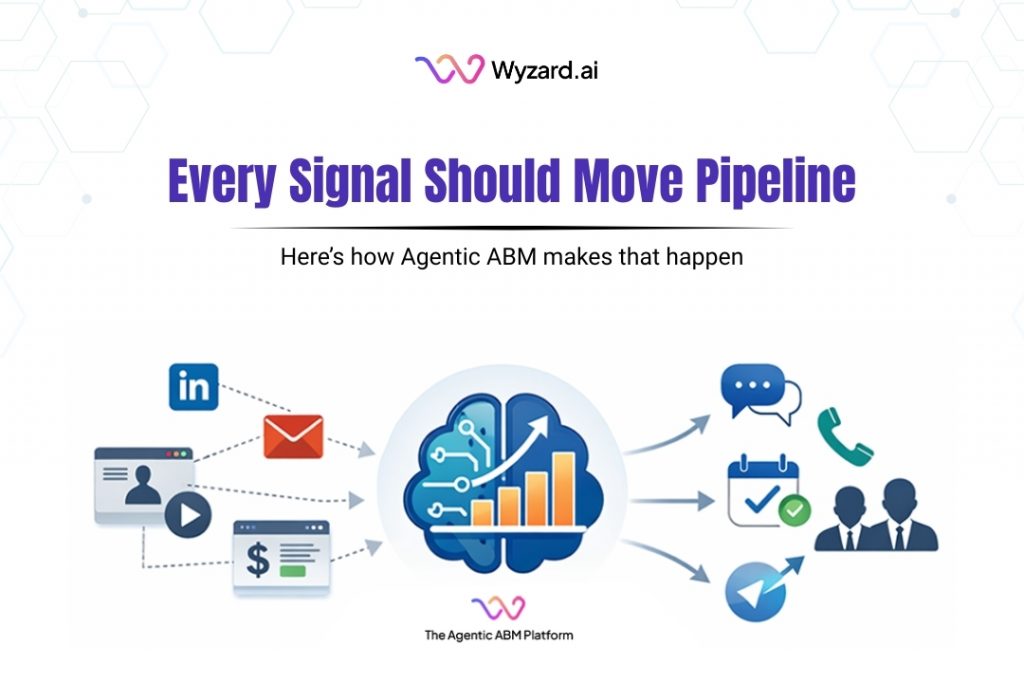
The Signal-to-Revenue Blueprint for Agentic ABM
A CMO reviews the weekly dashboard and sees strong activity. A target account clicked a LinkedIn ad. Another stakeholder ...

March 27, 2026
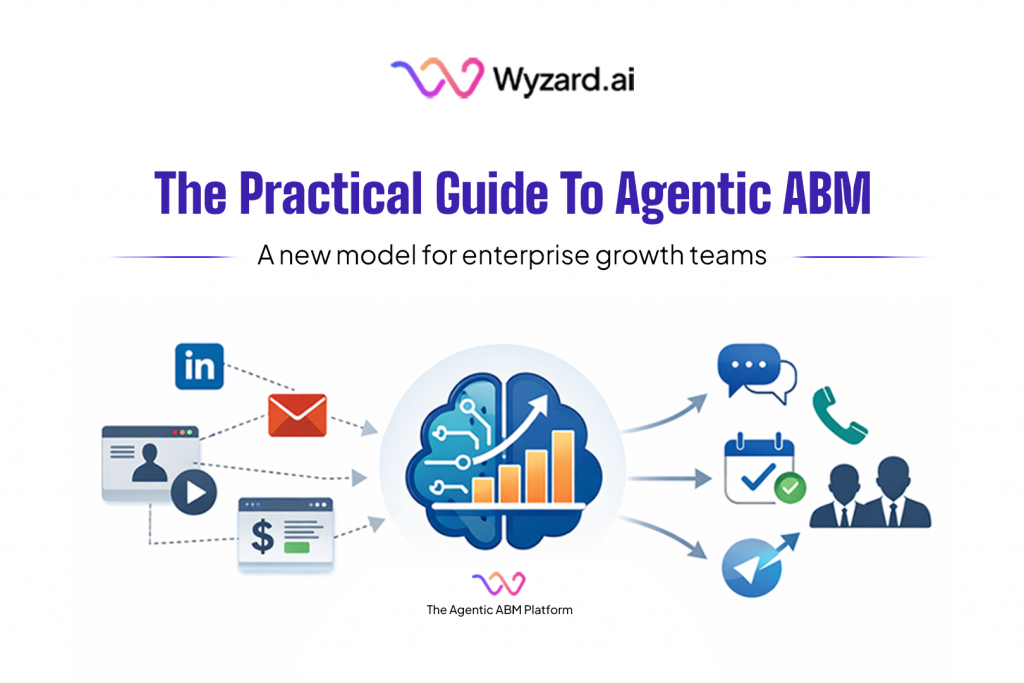
What Is Agentic ABM? A Practical Guide for Enterprise GTM Teams
Enterprise GTM has an action gap. If you are a CMO, this scene is familiar. A target account clicks ...
